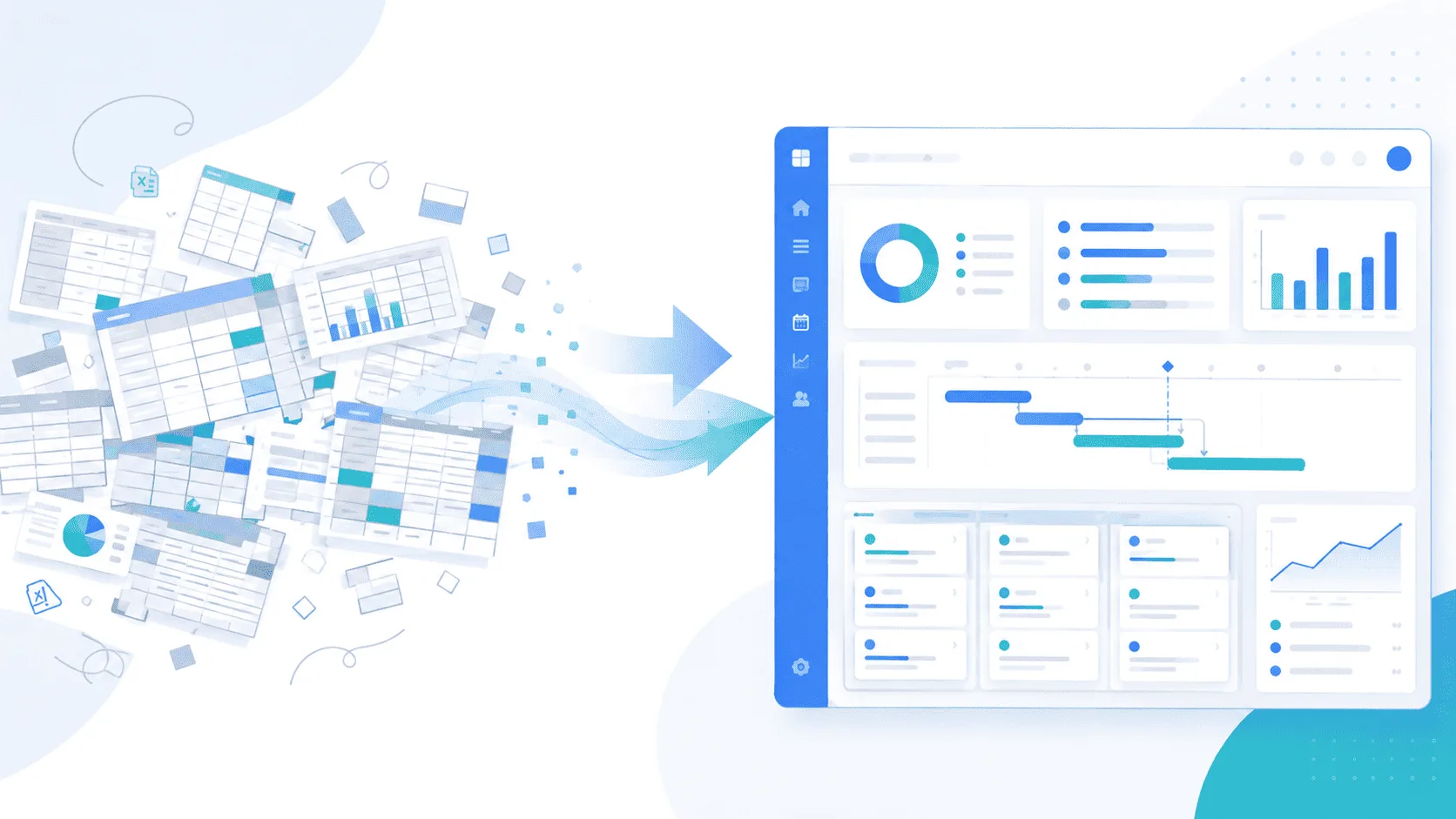

What is capacity planning in project and resource management software? It's knowing who works on what, at what percentage of their time, and for how much longer, across all your projects. That tells you whether you can take on a new project or are already full. It sounds simple, but it becomes impossible to answer correctly once a team passes five or six people spread over several projects, and it's one of the first things to break when tracked in a spreadsheet instead of dedicated IT project management software.
Why does capacity planning become such a headache?
The problem isn't a lack of goodwill, it's a lack of visibility. A project manager knows what their own team is doing on their project, but rarely what those same people are doing in parallel on other projects run by colleagues. The result: overload is often discovered once it already has real consequences, rather than upstream, when it was still possible to anticipate it and redistribute the workload differently.
What does resource centralization actually mean, in plain terms?
✅ Real availability across every project. Not just one project's view, but every ongoing commitment a person has, updated as things change rather than reconstructed from memory during a planning meeting.
✅ Budget connected to staffing. A budget number that moves on its own, disconnected from who's actually working on what, isn't very useful. Staffing consumption is directly tied to each project's day-rate budget, and the two need to stay linked.
✅ Informed trade-offs, not automatic yeses.. When a new request comes in, leadership needs the actual picture before answering, rather than defaulting to "yes" and managing the overload later in an emergency.
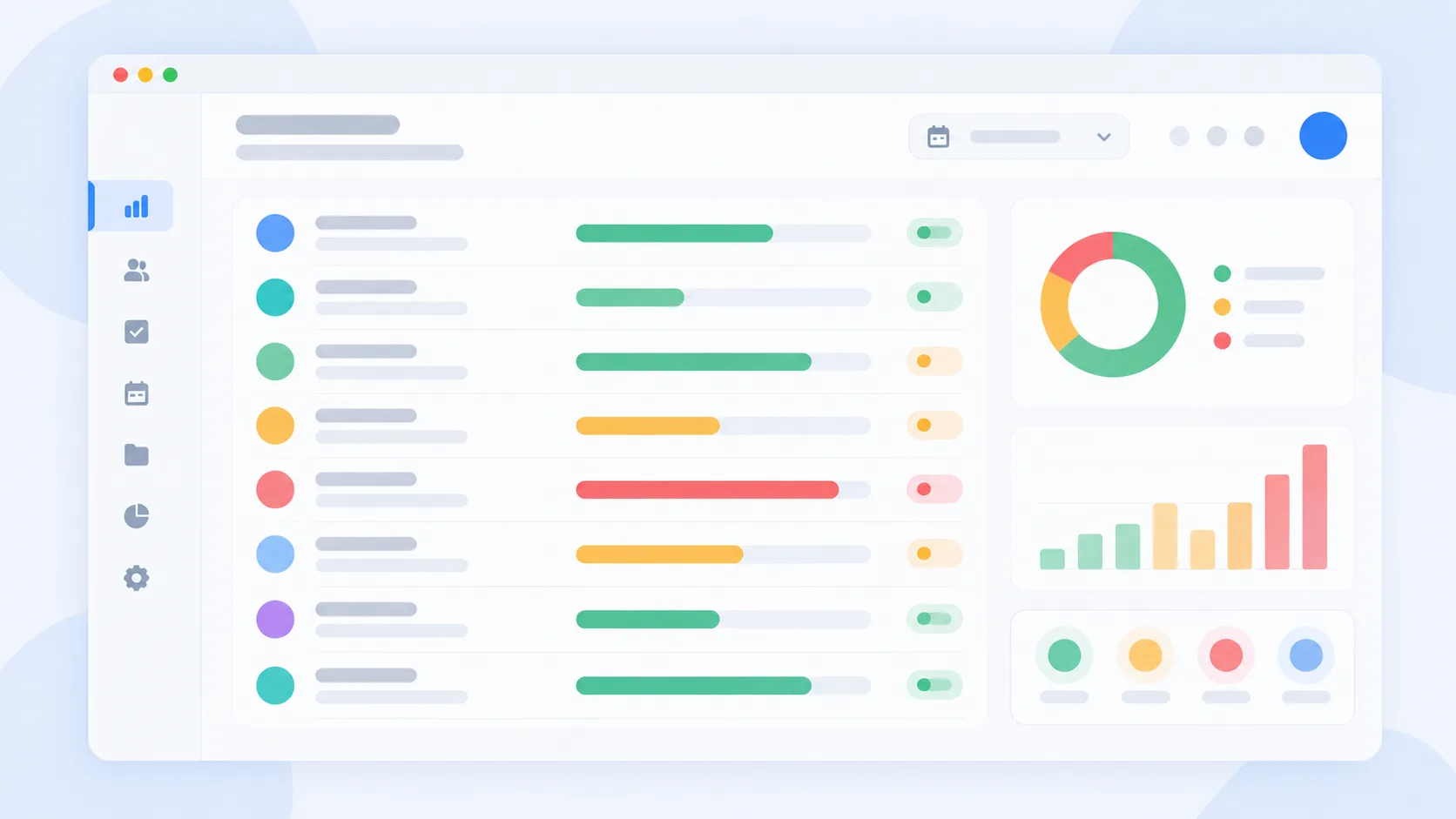
How do you build a capacity plan without a full-time analyst?
Most SMEs don't have (or need) a dedicated resource planner. Building a usable capacity plan is more about habits than headcount.
Start with real availability, not theoretical hours. A 40-hour week on paper rarely matches the hours someone can actually give to project work once meetings, support tickets, and admin are accounted for. Planning against the theoretical number is what causes the first round of overload.
Track allocation percentage, not just yes/no. Knowing someone is "on" a project tells you nothing about whether they're at 20% or 90% of their time on it. Percentage-based tracking is what actually lets you spot when someone is quietly overcommitted across three "small" allocations.
Revisit weekly, not just at project kickoff. A capacity plan built once at the start of a project and never touched again is already outdated by week three. It needs to be a living view, not a one-time exercise.
Common mistakes in capacity planning
❌ Treating leave and time off as a separate system. If vacation days live in one tool and project allocation in another, the availability shown is wrong by definition. The two need to be the same view, not two spreadsheets someone has to cross-reference manually.
❌ Planning per project instead of per person. Most teams naturally plan project by project, which hides the real problem: a person can look fine on every individual project and still be overloaded once all their commitments are added up.
Capacity planning vs. resource scheduling vs. workload management: what's the difference?
The terms are often used as if they meant the same thing, but each answers a different question.
| Term | The question it answers |
|---|---|
| Resource scheduling | Who is assigned to which task, and when? |
| Workload management | How much work is each person carrying right now? |
| Capacity planning | Does the team as a whole have room to take on more? |
For an SME, the three should live in the same tool, because the team is too small to justify managing them separately.
The role of project and resource management software in this centralization
Well-designed project and resource management software doesn't just display an availability calendar. It links that availability to the projects actually in progress, along with the estimated workload for each, which makes it possible to spot an imbalance before it becomes a real problem. It's also what lets you quickly answer the most common question in leadership meetings: "Can we take on this new client without overloading the current team?"
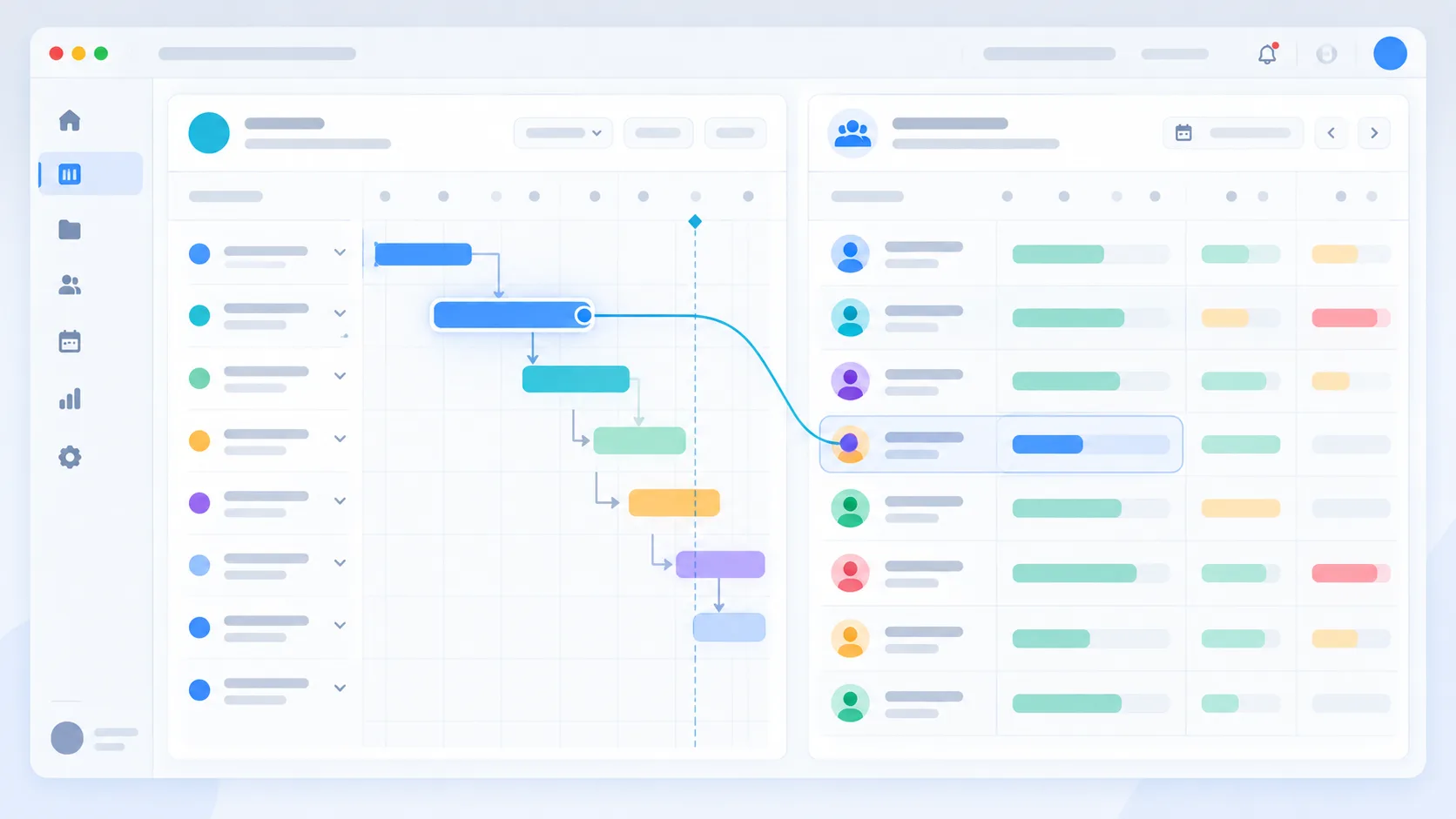
Capacity planning for a small team vs. a multi-project agency
Under 10 people. Even here, centralized capacity planning earns its place fast, mainly because a small team has no slack to absorb a planning mistake. One person quietly overcommitted can stall an entire project.
Multiple concurrent client projects. Once the same three or four people are staffed across five or six client accounts, informal tracking (a shared doc, someone's memory) breaks down within weeks. This is where the gap between "we think we have room" and "we actually have room" becomes expensive.
Can an AI assistant really help with capacity planning?
In practice, yes, for the everyday version of the question. Instead of opening three project views and doing the math by hand, an assistant connected to real data can answer "who has room for a new task this week" directly, in plain language. It's not a replacement for judgment on staffing decisions, but it removes the manual digging that usually happens before that judgment can be made.
What Monark Core offers on this exact point
Monark Core connects staffing tracking directly to each project's budget, in real time rather than through a weekly manual update. The leave and time-off module integrates into that same view, so the availability shown truly reflects reality on the ground, time off included. The built-in AI assistant can answer questions like "what's this person's current workload" directly, without needing to build a pivot table to find out.
Combined with clear RACI role mapping, this also settles who's actually accountable for rebalancing the workload once an overload is spotted.
Capacity planning and client-facing agencies: a special case
For an agency staffing people across multiple client accounts, capacity planning isn't just an internal efficiency question, it directly affects what can be promised to a prospect. Saying yes to a new client without checking real availability first is how delivery timelines slip, and that's a harder conversation to have after the contract is signed than before.
How to keep a capacity plan accurate over time
The plan only stays useful if it's trusted, and it's only trusted if it matches reality. The simplest habit: review actual allocation against planned allocation every one or two weeks, and adjust rather than letting the gap grow. A tool that surfaces this automatically, rather than relying on someone remembering to update a spreadsheet, is what actually makes the habit stick.
FAQ
Does capacity planning only matter for large teams?
Even a five-person team spread across three projects gains real clarity from a centralized view, well before team size makes manual tracking genuinely impossible.
How does centralization help prevent burnout?
By making overload visible before it silently piles up on a single person, which allows workload to be rebalanced in time rather than after the fact.
Do availabilities need to be re-entered manually every week?
No, the goal is precisely to automate this tracking by connecting it to projects and leave already recorded, rather than adding another administrative task to the team.
What's the difference between capacity planning and resource scheduling?
Scheduling assigns people to specific tasks on a calendar. Capacity planning answers the broader question of whether the team has room to take on more, before anything gets scheduled.
Can capacity planning work without dedicated software?
For a two or three-person team, yes, informally. Beyond that, the coordination cost of tracking it manually usually outweighs the effort of setting up a proper system.
How often should a capacity plan be updated?
Weekly is a reasonable baseline for most SMEs. Waiting until a project milestone or a crisis to check allocation is what causes the plan to drift from reality in the first place.
Discover MONARK CORE, the project portfolio management platform that centralizes projects, resources, staffing, and budgets.