What does a CRM actually do for a business?
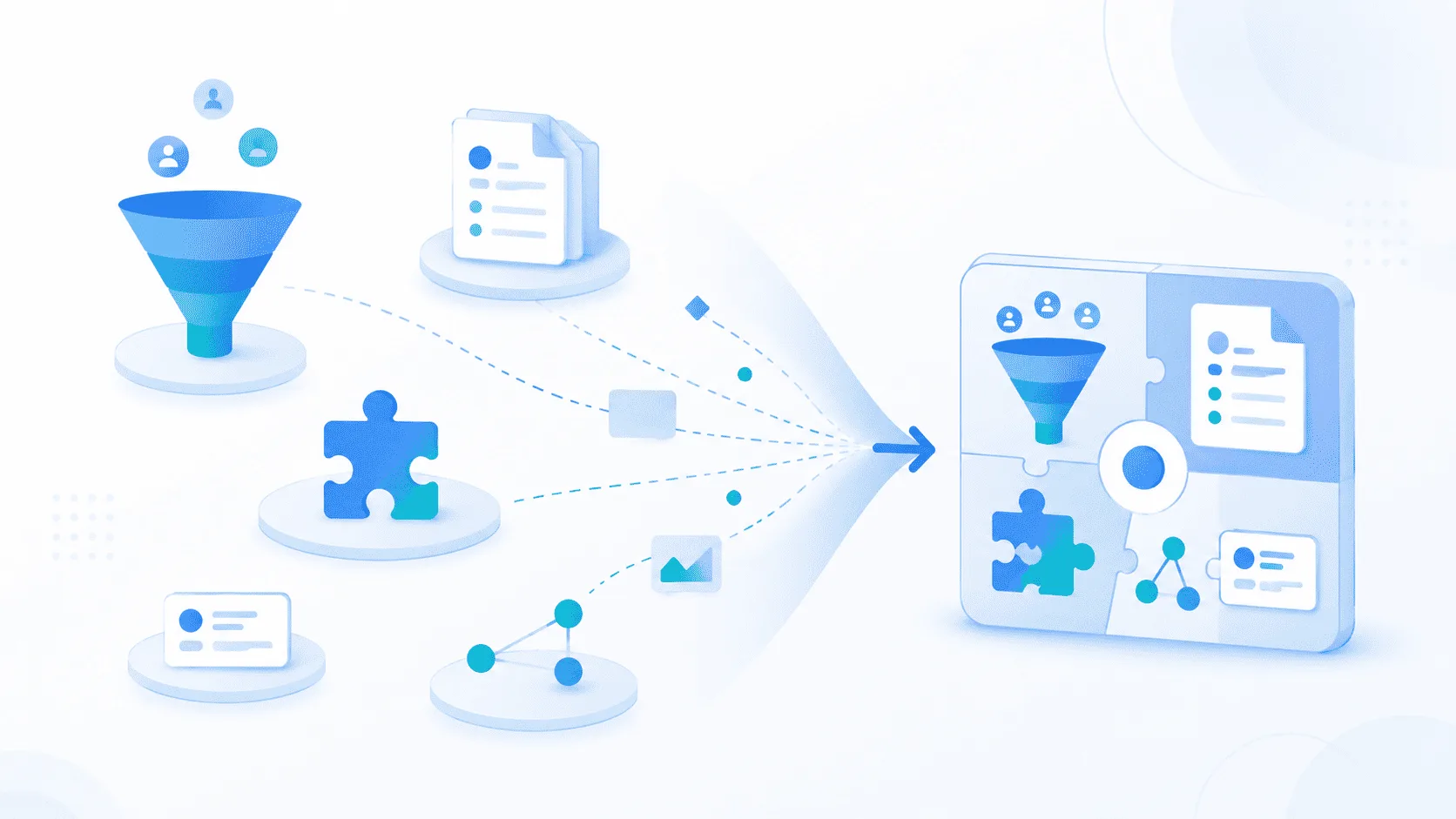
At its simplest, it gives teams one place to manage customers, prospects, opportunities and the history of their interactions.
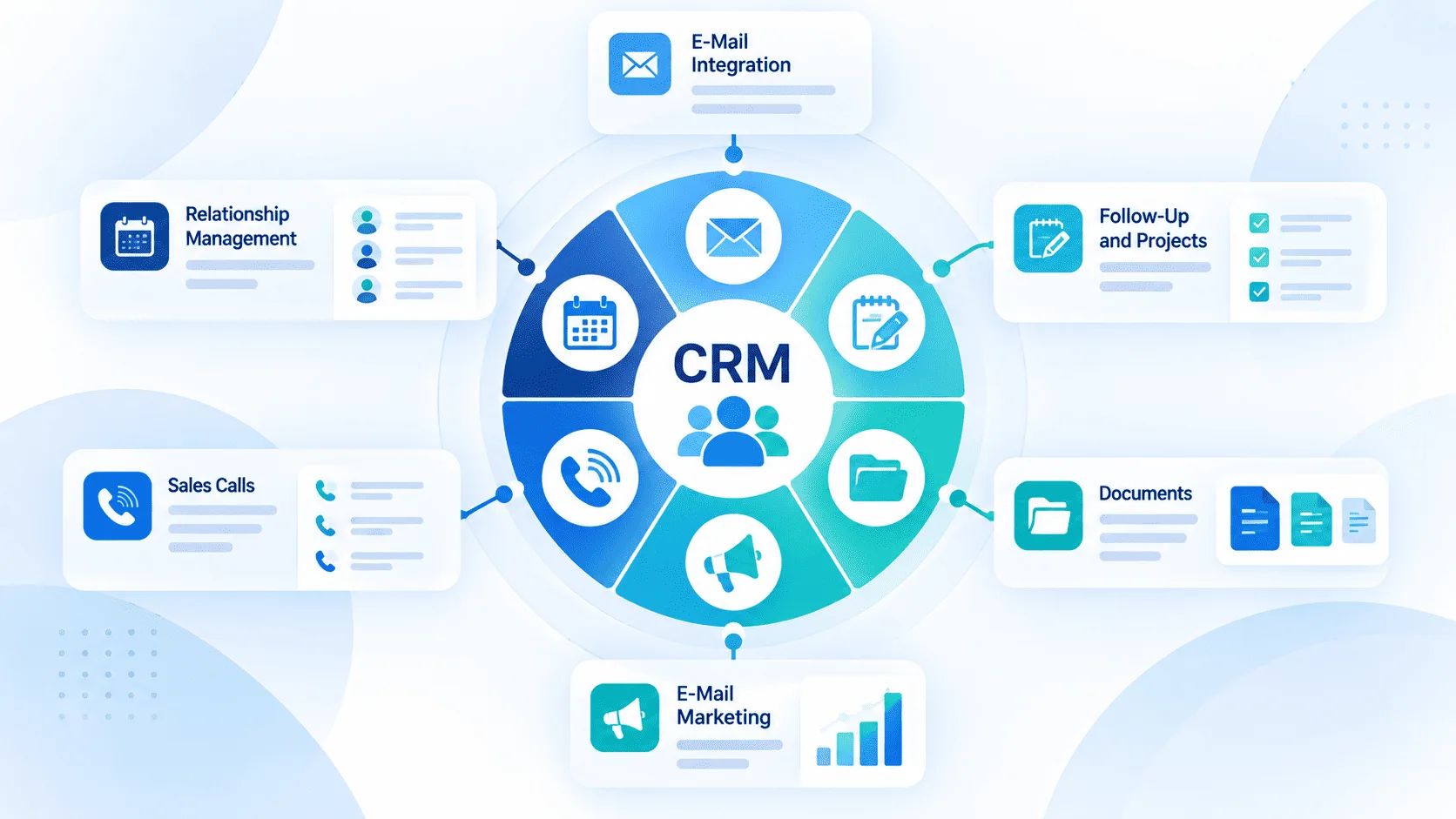
But modern customer relationship management software goes further than storing contact information. It can help sales teams follow opportunities, organize follow-ups, automate repetitive steps, track performance and make customer information easier to access across the company.
The useful question is therefore not simply whether a company needs a CRM.
It is what the CRM should help the company manage better.
This guide explains how CRM systems work, the main features to look for, the benefits they can provide and how to decide which type of platform fits your business.
What is customer relationship management software?
Customer relationship management software (CRM software) is a system used to organize and manage interactions with prospects and customers.
Instead of keeping customer information across spreadsheets, inboxes, personal notes and different applications, a CRM creates a shared place where teams can access the information they need.
A typical CRM can contain:
- contacts and companies;
- leads and opportunities;
- sales pipeline stages;
- calls, emails and meetings;
- tasks and follow-ups;
- notes and customer history;
- sales reports;
- workflows and approvals.
The purpose is not simply to create a large customer database.
A useful CRM should help people understand what is happening with each customer and what needs to happen next.
What problem does a CRM system solve?
Many companies do not notice the need for a CRM immediately.
When the sales team is small, customer information may still be manageable through spreadsheets, email and personal memory.
Problems usually appear as activity grows.
- A salesperson knows that a prospect asked for a proposal, but the rest of the team does not.
- A customer calls, but nobody can immediately see the last conversation.
- A manager wants to know how many opportunities are likely to close this month, but the answer requires checking several files.
- A salesperson leaves the company, and part of the customer history leaves with them.
The CRM solves this by creating a common operational record.
Instead of asking:
“Who spoke to this customer last?”
the team should be able to open the customer record and see the answer.
How does a CRM work in practice?
A CRM usually follows the customer journey from initial contact to ongoing relationship.
A simple sales workflow might look like this:
Lead → Qualification → Opportunity → Proposal → Negotiation → Won
Each stage contains information that helps the team understand the status of the opportunity.
For example, a salesperson may record:
- who the prospect is;
- what they need;
- estimated deal value;
- next action;
- expected closing date;
- documents exchanged;
- previous conversations.
The CRM then provides a structured way to move the opportunity forward.
Managers can see the overall pipeline, while salespeople can focus on the leads and follow-ups assigned to them.
What are the main CRM features?
Most CRM systems include a few core features.
1. Contact and company management
A CRM keeps customer and prospect information in one place.
Teams can quickly see who the customer is, previous interactions and who is responsible for the relationship.
2. Sales pipeline management
The pipeline shows where each opportunity stands, from first contact to closing.
It helps teams track open deals, next steps and opportunities that may need attention.
3. Tasks and follow-ups
CRM software helps salespeople remember what needs to happen next, such as calling a prospect, sending a proposal or scheduling a follow-up.
These actions stay connected to the relevant customer or opportunity.
4. Customer history
Notes, calls, emails and previous activities can be stored with the customer record.
This gives the team useful context without searching through inboxes or asking colleagues.
5. Reporting and dashboards
Managers can use CRM data to follow sales activity, pipeline value, conversion rates and forecasts.
The goal is to turn daily sales information into a clearer view of performance.
6. Workflow automation
Repetitive steps can also be automated.
For example:
New lead → Assign salesperson → Create follow-up task → Send notification
This saves time and helps teams follow the same process.
7. Roles and permissions
Permissions define who can view, edit or approve information.
This becomes more important as the team grows.
8. Integrations
A CRM can connect with tools such as email, calendars, websites, accounting software and customer support platforms.
The most useful integrations are usually those that reduce duplicate work and manual data entry.
Operational, analytical and collaborative CRM: what is the difference?
CRM systems are sometimes divided into three broad categories.
| Type | Main purpose |
|---|---|
| Operational CRM | Manage day-to-day sales, leads, activities and workflows |
| Analytical CRM | Analyze customer and sales data |
| Collaborative CRM | Share customer information across teams |
In practice, modern platforms often combine elements of all three.
A sales team may use the operational side every day, while management uses dashboards and analytics, and customer service teams rely on the shared customer history.
For most companies, the labels matter less than making sure the platform supports the actual process.
What are the benefits of a CRM?
The real benefits come from improving how customer information is used, not simply from storing more data.
A clearer sales pipeline
Managers can see opportunities across the team without asking every salesperson for a separate update.
Better follow-up
Tasks and next actions are linked directly to customers and opportunities.
This reduces the risk of a valuable lead disappearing because someone forgot to follow up.
Centralized customer information
When several people interact with the same customer, everyone can work from the same history.
More consistent processes
A CRM can help ensure that opportunities follow a common process instead of every salesperson handling deals differently.
Easier reporting
Instead of rebuilding sales reports manually in spreadsheets, managers can use information already recorded during daily work.
Better continuity
Customer knowledge becomes less dependent on one person's inbox or memory.
That becomes especially valuable when responsibilities change inside the team.
CRM vs. spreadsheet: when is it time to move?
A spreadsheet can work for a small sales team.
It becomes limiting when:
- several people update different files;
- opportunities get forgotten;
- customer history is scattered;
- reporting takes too much time;
- ownership is unclear.
At that point, a CRM becomes useful because it keeps sales activity and customer information in one place.
Cloud CRM or custom CRM?
Most modern CRM platforms are cloud-based.
This makes deployment, updates and remote access easier because the company does not need to manage the entire technical infrastructure itself.
But another distinction is also important:
standard CRM vs. customizable CRM.
A standard system can work well when the company's sales process is relatively conventional.
A more configurable approach becomes useful when the business has:
- specific pipeline stages;
- unusual approval rules;
- custom customer information;
- different workflows by activity;
- multiple teams with different permissions;
- integrations with internal applications.
These needs can vary significantly by industry. See how a custom CRM adapts to different industries, workflows and business requirements.
Customization does not mean rebuilding the entire CRM from scratch.
The level of customization also has a direct impact on cost, which is why it is useful to understand what custom CRM software really costs before defining the project scope
Often, the better approach is to start with an existing functional foundation and adapt the fields, workflows, roles and dashboards to the business.
What should you consider before choosing a CRM?
Feature lists are useful, but they are not enough.
Start with the actual sales process.
Before implementation begins, it is worth preparing the process, users, data, integrations and reporting requirements that the CRM will need to support
1. How does a lead become a customer?
Write down the main stages.
If the process cannot be explained clearly, configuring the CRM will be difficult.
2. Who uses the CRM?
Salespeople, managers, customer service teams and administrators may all need different information.
3. What information really matters?
Avoid creating dozens of fields simply because the platform allows it.
Every field should have a purpose.
4. Which actions need automation?
Look for repetitive work that adds little value when done manually.
5. Which tools need to connect?
Email and calendar may be enough for one company.
Another may need accounting, marketing, support or internal business systems.
6. Which reports should management see?
Define the decisions the CRM should support before designing the dashboards.
A CRM should help answer business questions, not simply display attractive charts.
7. Is more customization always better?
No.
This is one of the easiest mistakes to make.
A highly configurable platform can support complex processes, but every additional workflow, field and automation also creates something that has to be understood and maintained.
Start with what users genuinely need.
A simple first version may include:
Contacts
→ Opportunities
→ Pipeline
→ Tasks
→ Basic reporting
Then add more advanced functions when there is a clear operational reason.
The objective is not to reproduce every existing habit inside the CRM.
Sometimes implementation is also an opportunity to simplify the process.
Where MONARK CRM fits
MONARK CRM is customizable CRM software built on an existing CRM foundation and adapted to the company’s processes, roles, workflows and reporting needs.
It is designed for businesses that find standard CRM tools too rigid but do not need a completely custom platform built from scratch. See how a custom CRM adapts to different industries and business workflows.
This approach is especially relevant for service companies, where pipelines, follow-ups and customer processes often require more flexibility. See how a service business CRM can be implemented in practice.
Companies can currently explore MONARK CRM through guided demonstrations and pilot projects before a wider rollout.
Should AI be part of a CRM?
AI can be useful, but it should solve a real problem.
Adding an AI button to every screen does not automatically improve customer management.
Useful applications may include:
- summarizing customer history;
- helping identify important information;
- preparing follow-up suggestions;
- supporting reporting;
- helping users query CRM data in natural language.
The value depends on the quality and structure of the CRM data.
If customer records are incomplete or the sales process is unclear, adding AI will not solve the underlying problem.
Good data and clear workflows still come first.
How should a company test a CRM?
Do not evaluate a platform only through a polished demonstration.
Use a realistic scenario.
- Create a real lead.
- Move it through the sales process.
- Add a meeting.
- Create a follow-up.
- Update the opportunity.
- Ask a manager to review the pipeline.
- Try to find an old customer interaction.
Then ask:
- Was the process easy to understand?
- Did users know what to do next?
- Could managers find the information they needed?
- Was any information entered twice?
- Did the CRM adapt to the process, or did the process have to be distorted to fit the software?
Testing normal work is much more useful than comparing dozens of features that may never be used.
Customer relationship management is a process, not just software
A CRM can improve visibility, structure and consistency.
But software does not automatically create good customer relationships.
Teams still need to:
- follow up consistently;
- keep information up to date;
- understand customer needs;
- define clear responsibilities;
- review pipeline quality;
- improve the process over time.
A poorly maintained CRM eventually becomes another outdated database.
A useful CRM becomes part of the daily way the team works.
That difference matters more than the number of features included in the platform.
Conclusion
Choosing customer relationship management software should start with the customer process rather than the product catalogue.
Understand how leads enter the business, how opportunities progress, who needs access to customer information and what decisions managers need to make.
Then evaluate which CRM capabilities support those needs.
For a simple sales process, a standard platform may be enough.
For organizations with specific workflows, approvals, fields or integrations, a more customizable system may be a better fit.
The goal is not to find the CRM with the most features.
It is to find one that makes customer information easier to use and helps the team manage relationships more consistently.
FAQ
What is customer relationship management software?
It is software used to manage customer and prospect information, interactions, opportunities, tasks and sales processes in a centralized system.
What is the main purpose of a CRM?
The main purpose is to give teams a shared view of customer relationships and help them manage leads, opportunities, follow-ups and customer information more effectively.
What are the main features of a CRM?
Common features include contact management, sales pipelines, tasks, activity history, reporting, automation, permissions and integrations.
Is CRM only for sales teams?
- Sales is usually one of the main users, but customer service, management, marketing and other customer-facing teams may also use CRM information.
When should a company move from spreadsheets to a CRM?
Usually when several people manage customer information, opportunities start getting difficult to follow, reporting becomes manual or customer history becomes scattered across different tools.
Is a customizable CRM better than a standard CRM?
Not automatically. Customization is useful when the business has specific workflows, fields, permissions or processes. Simpler organizations may be better served by a standard setup.
Can CRM software automate sales tasks?
Yes. Depending on the platform, it can automate activities such as lead assignment, task creation, notifications, approvals and certain follow-up steps.
Should a CRM include AI?
Only when AI improves a real workflow. Useful applications can include summarization, reporting support and easier access to CRM information, but AI does not replace good data or a clear sales process.
How should a business choose a CRM?
Start by mapping the sales process, identifying users, defining required information, listing important integrations and testing the platform with realistic customer scenarios.
Discover MONARK CRM, a customizable CRM built to adapt customer management, sales pipelines and workflows to the way your business actually operates.