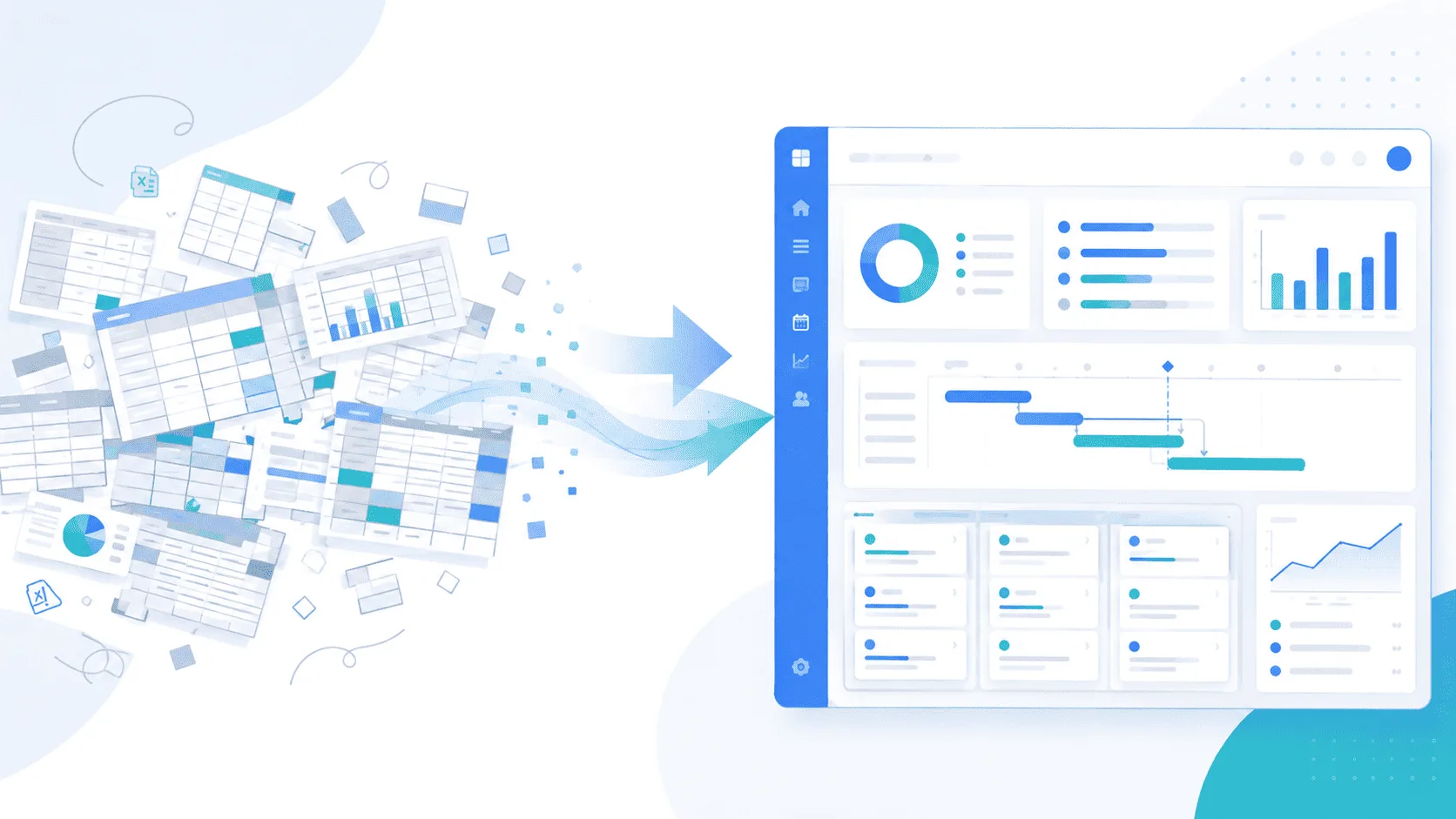

Resource capacity planning software helps businesses understand how much work their teams can handle, who is available, and whether new projects can be accepted without overloading existing resources.
For IT companies, agencies, and SMEs managing several projects simultaneously, having accurate visibility into team availability, resource allocation, and project budgets is essential.
Instead of relying on disconnected spreadsheets, project and resource management software centralizes this information to support better staffing decisions.
What Is Resource Capacity Planning?
Resource capacity planning is the process of comparing available resources with the workload required to deliver current and upcoming projects.
It answers three essential questions:
- Who is available? Identify each team member's remaining capacity.
- How much work is planned? Measure current and future project allocations.
- Can the team accept new projects? Evaluate capacity before committing to additional work.
Unlike basic task scheduling, resource capacity planning considers workload across all projects.
For example, a developer allocated 40% to Project A and 50% to Project B has only 10% of their capacity remaining, assuming those percentages represent their full available working time.
Without centralized tracking, this information can be difficult to maintain accurately.
Why Is Capacity Planning Important for Project Management?
Poor capacity planning often leads to resource overallocation, missed deadlines, and unexpected staffing costs.
The main challenge is not necessarily a lack of resources. It is the lack of visibility into how existing resources are distributed.
A project manager may know the workload of their own project but not the other commitments of the same team members.
Effective capacity planning helps organizations:
- Prevent resource overallocation and identify workload risks.
- Improve project delivery predictability.
- Balance workloads across employees and projects.
- Connect staffing decisions to project budgets.
- Make informed decisions when accepting new work.
For agencies and IT services companies, these decisions directly influence profitability and client satisfaction.
How to Calculate Resource Capacity: Formula and Example
An effective resource capacity plan starts with realistic availability rather than theoretical working hours.
Step 1: Calculate Available Capacity
Available capacity represents the hours a team member can dedicate to project work after accounting for leave, meetings, support activities, and administrative responsibilities.
Available capacity = Total working hours − Non-project hours
For example, consider a developer working 40 hours per week:
| Activity | Hours per week |
|---|---|
| Total working hours | 40 |
| Meetings and administration | 5 |
| Support activities | 3 |
| Available project capacity | 32 |
This developer has 32 hours available for project assignments rather than the theoretical 40 hours.
Step 2: Calculate Resource Utilization
Resource utilization measures the proportion of available capacity already allocated to projects.
Resource utilization (%) = Allocated project hours ÷ Available project hours × 100
If the developer is allocated 28 hours across multiple projects:
28 ÷ 32 × 100 = 87.5% utilization
This leaves four hours of available capacity, assuming no additional unplanned work.
Step 3: Identify Overallocation
When planned assignments exceed available capacity, the resource becomes overallocated.
For example:
| Project | Weekly allocation |
|---|---|
| Project A | 16 hours |
| Project B | 12 hours |
| Project C | 8 hours |
| Total allocation | 36 hours |
With only 32 available hours, the developer is overallocated by four hours, or 12.5% above available capacity.
This is precisely the type of situation that resource capacity planning software helps managers identify before it affects delivery.
Key Features to Look for in Capacity Planning Software
Choosing the right capacity management software requires more than a simple availability calendar.
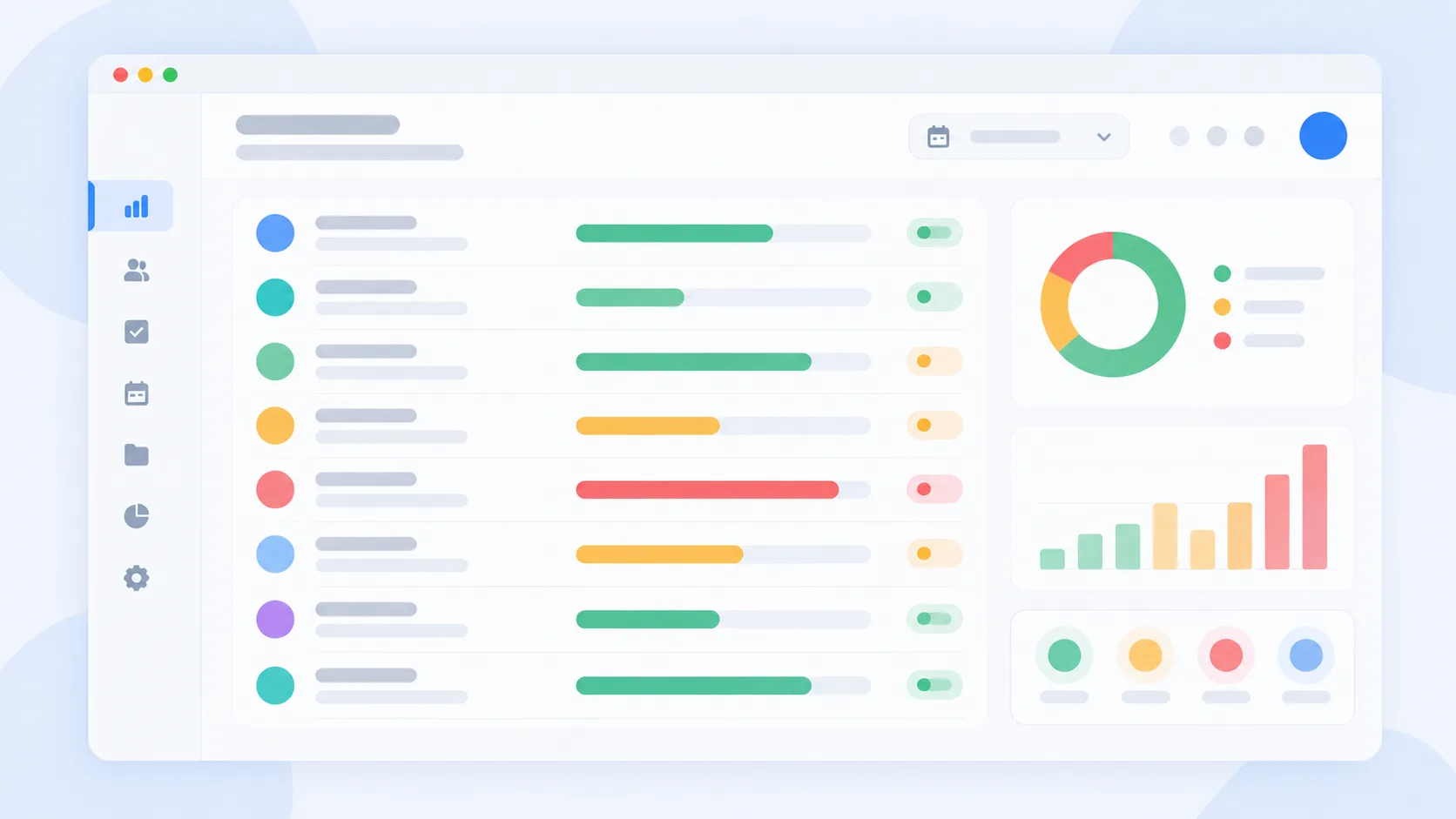
1. Centralized Resource Availability
Managers need a consolidated view of team members across projects, including planned assignments and time off.
2. Resource Allocation Tracking
Percentage-based allocation makes it easier to understand whether an employee is committed to one project or several simultaneously.
3. Workload and Utilization Monitoring
Resource utilization metrics help identify overloaded employees, available capacity, and imbalances between teams.
4. Project Budget Visibility
Connecting staffing allocation with project budgets enables managers to assess how resource commitments affect project costs.
5. Leave and Time-Off Integration
Vacation days and other absences should be reflected in available capacity to prevent inaccurate staffing decisions.
6. Multi-Project Planning
For organizations managing multiple projects, a unified portfolio view helps managers balance delivery priorities and resource requirements.
Capacity Planning Software vs. Excel: Which Is Better?
Excel can be sufficient for small teams with limited project activity. However, as teams grow and manage multiple projects simultaneously, spreadsheets become more difficult to maintain.
Choosing the right Excel alternative for project management can help businesses improve resource capacity planning, centralize team availability, and monitor workloads more efficiently.
| Criteria | Excel spreadsheets | Dedicated capacity planning software |
|---|---|---|
| Resource availability | Manual configuration | Centralized visibility |
| Multi-project allocation | Requires consolidated sheets | Unified allocation tracking |
| Workload monitoring | Formulas and manual updates | Integrated utilization views |
| Leave management | Requires manual integration | Can connect with leave records |
| Project budget tracking | Separate or linked sheets | Can connect budgets with staffing |
| Data maintenance | Depends on spreadsheet processes | More centralized workflows |
Excel remains useful for basic resource planning. Dedicated software becomes more valuable when allocation changes frequently, teams work across several projects, or management requires a reliable view of capacity.
For a detailed comparison, read our guide to project management software as an alternative to Excel.
Capacity Planning vs. Resource Scheduling vs. Workload Management
These concepts are closely related but serve different purposes.
| Concept | Main question |
|---|---|
| Resource scheduling | Who is assigned to which task, and when? |
| Workload management | How much work is each team member currently carrying? |
| Capacity planning | Can the team handle current and upcoming demand? |
| Resource allocation | How much of each person's available time is assigned to projects? |
Effective project and resource management software brings these perspectives together to support operational and strategic planning.
How to Build an Effective Team Capacity Plan
SMEs do not necessarily need a dedicated resource planning department.
A practical capacity planning process can be established in five steps:
- Identify available resources. List employees, working schedules, absences, and non-project commitments.
- Estimate project demand. Calculate the resources and hours required for ongoing and upcoming projects.
- Allocate resources. Assign employees according to available capacity, project priorities, and required skills.
- Review utilization. Identify potential overload and redistribute assignments where necessary.
- Update the plan regularly. Review planned capacity against actual commitments, preferably every week.
The objective is to maintain an accurate planning process without creating unnecessary administrative work.
How MONARK Core Supports Resource Capacity Planning
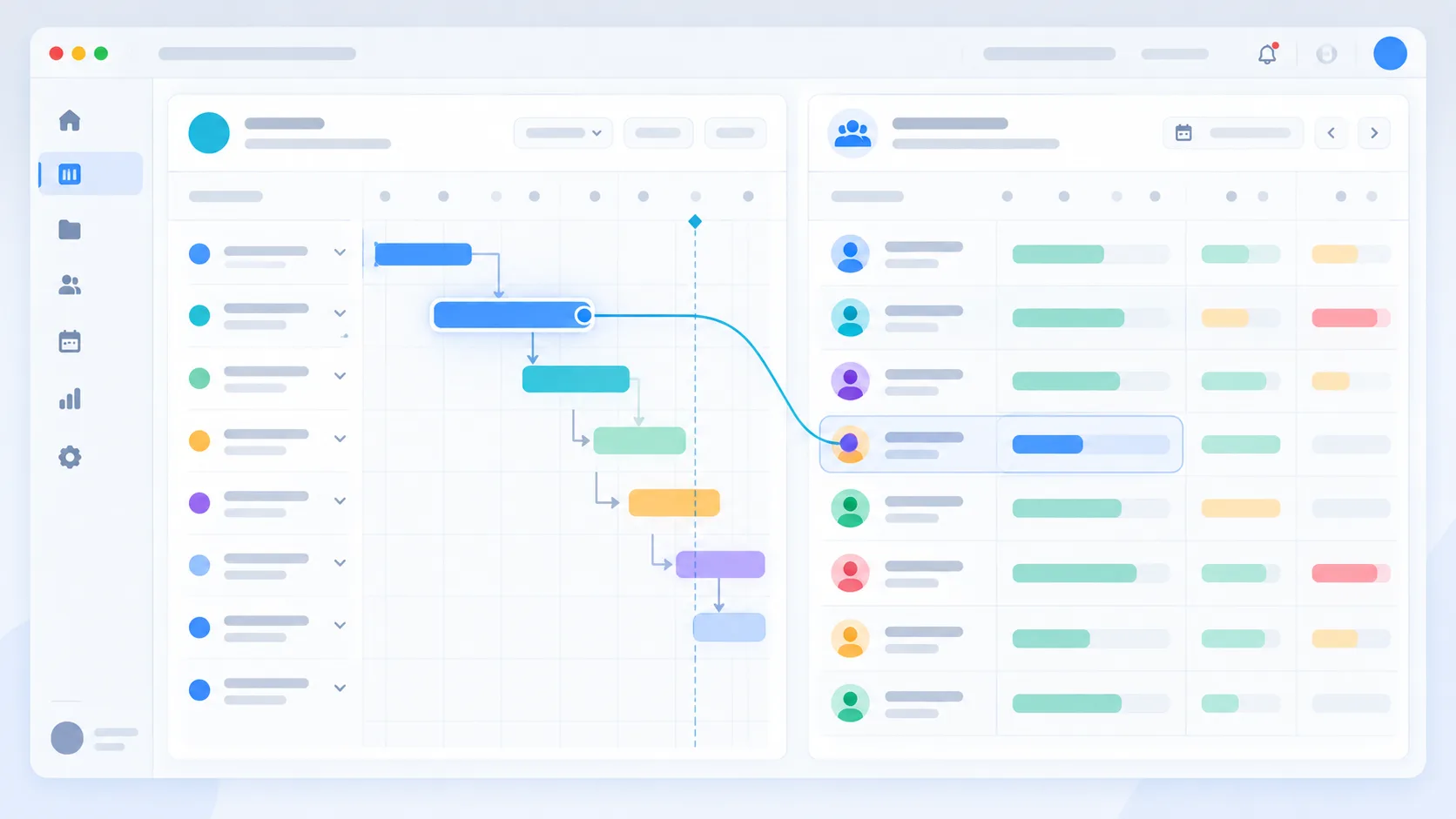
MONARK Core is a project portfolio and resource management solution designed to centralize project tracking, team allocation, and budget visibility.
For organizations managing several projects, it brings together essential capacity planning information.
-
Resource and staffing visibility
Track team member assignments across projects to understand current commitments and identify available resources.
-
Project budget integration
Connect staffing allocation with project budgets to improve visibility into resource consumption and financial commitments.
-
Leave and availability management
Take recorded leave and time off into account when reviewing employee availability.
-
AI-assisted access to project information
The integrated AI assistant can help users retrieve workload information through natural-language questions, reducing the need to navigate multiple project views.
-
Role clarity through RACI
Combined with RACI role mapping, resource planning can also support clearer responsibility for project execution and workload decisions.
Discover how the RACI method supports project management.
Capacity Planning for IT Agencies and Multi-Project Teams
Capacity planning is particularly important for IT services companies and agencies where the same employees frequently contribute to multiple client projects.
A developer might be assigned to three applications, while a designer supports several different accounts.
Without consolidated resource planning, an employee may appear available within one project while already being fully allocated across the portfolio.
Capacity planning helps managers evaluate whether new client commitments can be accepted without compromising existing delivery schedules.
It also provides a more reliable foundation for estimating delivery dates, adjusting staffing plans, and controlling project costs.
Can AI Improve Resource Capacity Planning?
AI assistants can simplify access to resource planning information when connected to accurate project data.
For example, managers may ask:
- Which team members have available capacity this week?
- Who is currently allocated across several projects?
- Which projects have the highest staffing commitments?
- What is the current workload of a specific employee?
An AI assistant can make this information easier to retrieve and interpret.
However, staffing decisions still require human judgment, especially when considering skills, priorities, deadlines, and client commitments.
Common Capacity Planning Mistakes to Avoid
❌ Planning with theoretical working hours. Not accounting for meetings, administration, and leave creates unrealistic capacity estimates.
❌ Planning project by project. Resource commitments should be evaluated across the entire portfolio, not independently within each project.
❌ Ignoring allocation percentages. Knowing that an employee is assigned to a project is not enough to understand their remaining capacity.
❌ Updating plans too infrequently. Capacity plans should reflect changing schedules, absences, and project requirements.
❌ Separating resource planning from budgets. Staffing decisions have a financial impact that should remain visible throughout project execution.
FAQ About Resource Capacity Planning Software
What is resource capacity planning software?
Resource capacity planning software helps organizations compare team availability with planned workload, track allocations, and identify whether sufficient resources exist to deliver projects.
What is the formula for resource capacity planning?
Available capacity is calculated by subtracting non-project commitments from total working hours. Utilization can then be calculated by dividing allocated project hours by available project hours and multiplying by 100.
What is the difference between capacity planning and resource planning?
Resource planning covers the broader process of identifying, allocating, and managing resources. Capacity planning specifically evaluates whether available resources can meet current and future demand.
Can small businesses benefit from capacity planning software?
Yes. Even small teams working across several projects can benefit from centralized workload visibility, especially when employees share responsibilities across different assignments.
Is Excel enough for resource capacity planning?
Excel can support basic capacity planning, particularly for small teams. Dedicated software becomes more useful when projects, employees, and allocation changes become difficult to maintain manually.
How often should a capacity plan be updated?
Weekly reviews are a practical starting point for many SMEs. Teams facing frequent scheduling changes may need more frequent updates.
What should capacity management software include?
Useful capabilities include availability tracking, resource allocation, utilization monitoring, leave management, multi-project visibility, and integration with project budgets.
Improve Project Delivery with MONARK Core
Effective capacity planning helps organizations balance team workloads, improve project visibility, and make informed staffing decisions.
Explore MONARK Core to discover how centralized project, resource, staffing, and budget management can support your team's planning process.