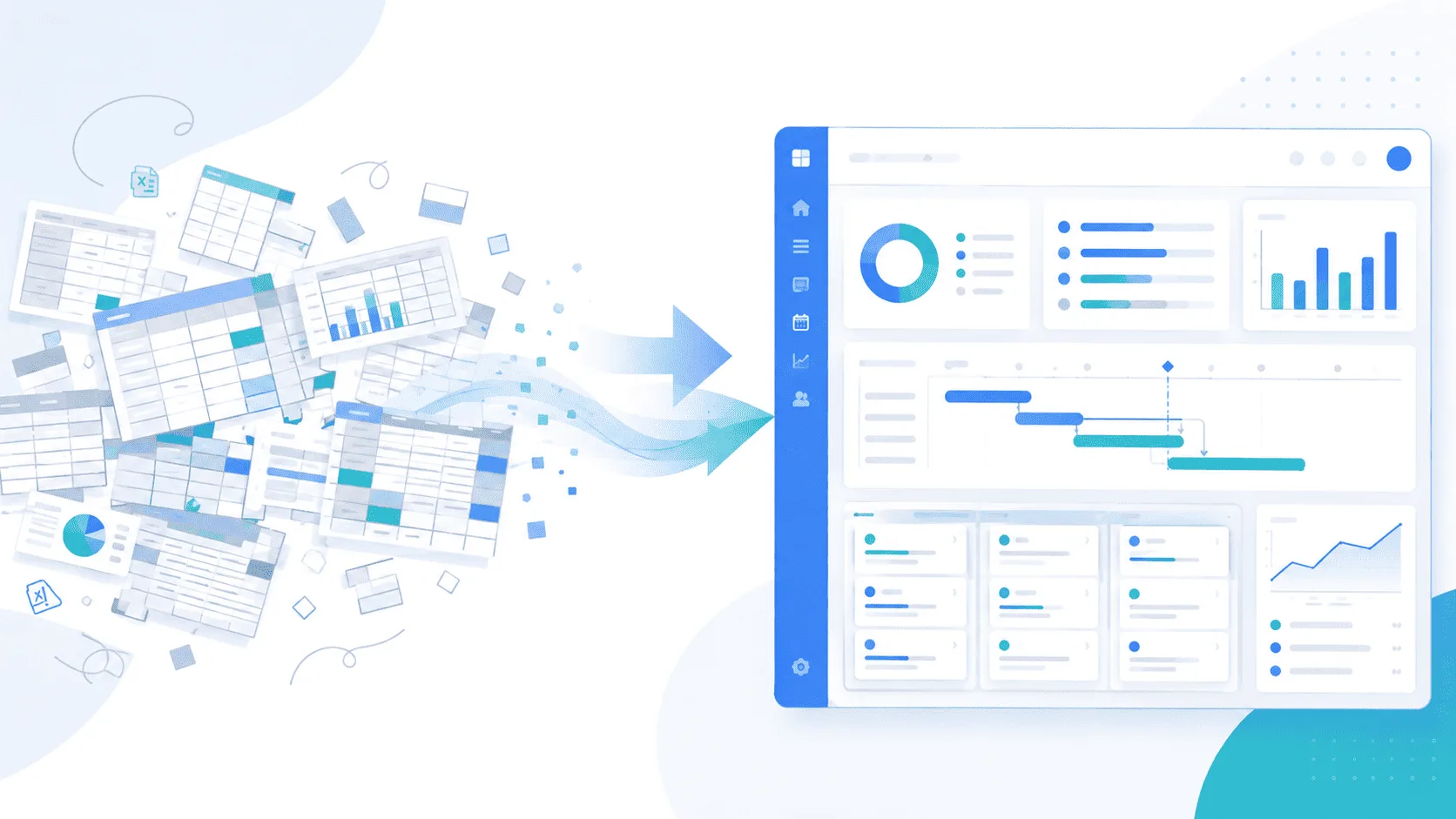
Which project management software for SMEs should you choose? The right solution depends on how your team manages projects, resources, deadlines, and budgets. While basic task management tools may be sufficient for smaller teams, growing businesses often need greater visibility across multiple projects.
Choosing the right project management software means finding a platform that supports daily operations, improves collaboration, and connects project tracking with resource allocation and budget management.
This guide explains the essential features, pricing models, and implementation criteria to help SMEs select a solution that fits their current needs and supports future growth.
What Is Project Management Software?
Project management software helps teams plan, organize, monitor, and deliver projects through a shared workspace.
At a basic level, it should answer five questions:
- What needs to be done?
- Who is responsible?
- When is it due?
- What has been completed?
- What is delayed or blocked?
For growing SMEs, these questions are only the starting point.
Managers may also need to understand employee availability, project costs, workload distribution, and whether their team has sufficient capacity to accept new projects.
This is where the difference between basic task management software and a more complete project management platform becomes important.
What Features Should SMEs Look for in Project Management Software?
The best project management software for SMEs should address real operational challenges rather than simply offer the longest feature list.
1. Centralized Project Visibility
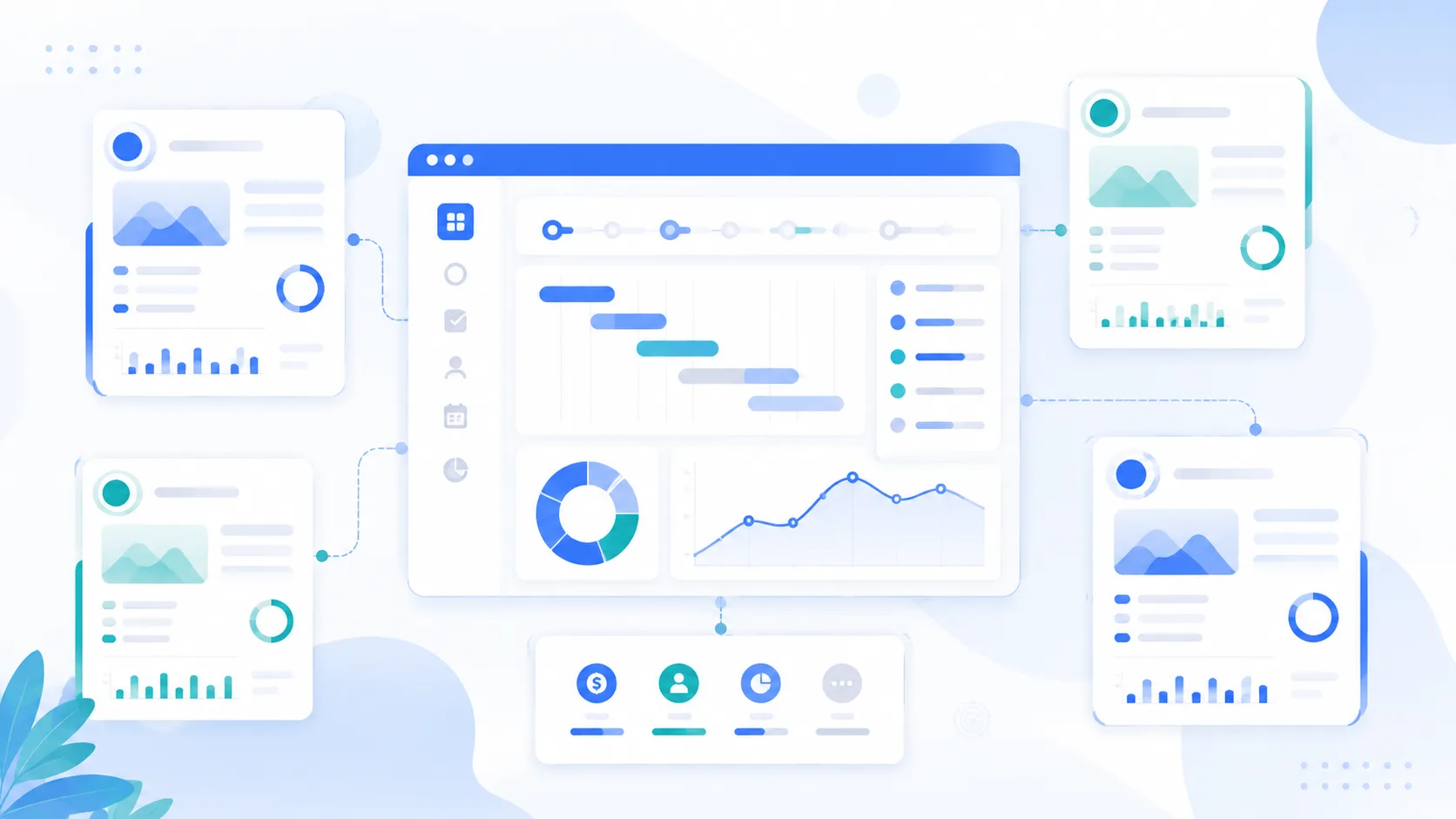
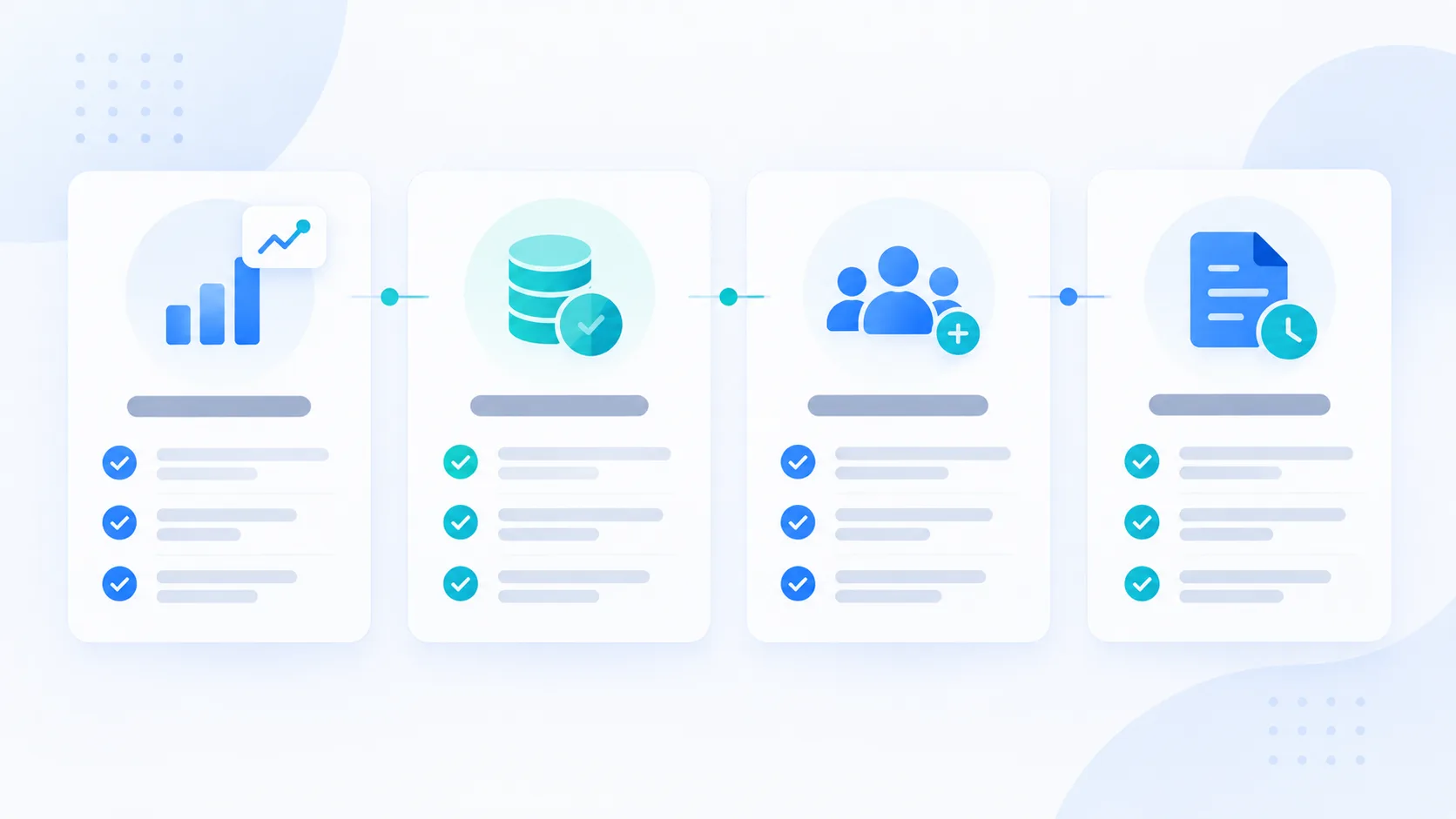
✅ Monitor all active projects in one place. Project managers should be able to review progress, deadlines, priorities, and potential delays without consolidating information from several disconnected systems.
Centralized visibility becomes especially valuable when multiple teams or departments contribute to the same portfolio.
2. Resource and Budget Management
✅ Connect employee availability with project budgets. Resource management helps organizations understand how employees are allocated across projects, identify potential overload, and evaluate the financial impact of staffing decisions.
For a more detailed explanation, explore our guide to resource capacity planning software.
3. Clear Roles and Responsibilities
✅ Clarify who performs tasks and who approves decisions. Well-defined responsibilities reduce confusion, unnecessary approval delays, and duplicated work.
A structured RACI framework helps define who is Responsible, Accountable, Consulted, and Informed throughout the project.
Learn how a RACI project management tool can improve project accountability.
4. Project History and Reporting
✅ Keep essential project information accessible. Progress updates, reports, and decision history help teams maintain continuity when responsibilities change.
A reliable record of project activity also supports more informed management decisions and helps reduce repeated discussions.
Project Management Software for Small Teams vs. Growing SMEs
The right project management software depends on team size, project complexity, and the number of simultaneous activities.
| Business Size | Main Challenges | Essential Features |
|---|---|---|
| Small teams (under 10 people) | Task coordination and deadlines | Task tracking, collaboration, clear responsibilities |
| Growing SMEs (10–30 people) | Multiple projects and shared resources | Resource planning, budget tracking, reporting |
| Larger SMEs (30+ people) | Complex project portfolios and staffing | Portfolio visibility, capacity planning, advanced reporting |
Team size is only one factor.
A small IT agency managing several client projects may need advanced resource planning earlier than a larger business with simpler workflows.
The goal is to select software that matches operational complexity, not simply the number of employees.
Project Management vs. Project Portfolio Management: What's the Difference?
Managing one project and coordinating several simultaneous projects are related but different challenges.
Project management focuses on the execution of an individual project:
Tasks → Responsibilities → Deadlines → Deliverables
Project portfolio management provides visibility across several projects:
Projects → Resources → Capacity → Budgets → Priorities → Performance
Consider an SME managing 15 client projects.
Each project may appear healthy when reviewed separately. However, the same developer could be assigned to several projects during the same week.
This conflict is difficult to detect when project information is managed independently.
Project portfolio management software helps organizations evaluate how projects compete for shared resources, budgets, and management attention.
For growing SMEs, this broader perspective supports more informed planning and prioritization.
When Do SMEs Need Project Scheduling Software?
Not every project requires advanced scheduling.
For straightforward projects with independent tasks, basic deadlines may be sufficient.
However, more complex projects depend on activities being completed in a specific sequence.
For example, a software development project might follow this workflow:
UX → Design → Development → Testing → Deployment
Development depends on approved designs. Testing depends on completed development. Deployment depends on successful validation.
When these dependencies affect delivery, project scheduling software becomes more useful.
Relevant capabilities may include:
- Task dependencies and milestones.
- Planned start and end dates.
- Project timelines.
- Delay monitoring.
- Rescheduling when priorities change.
The objective is not to introduce unnecessary complexity, but to improve planning when task dependencies have a meaningful impact on delivery.
Should Time Tracking Be Integrated with Project Management Software?
Time tracking becomes particularly useful when a business bills clients based on hours or days worked, manages projects through planned effort, or needs to compare estimated work with actual execution.
Some organizations rely on separate time tracking software.
Others prefer a solution that connects time information with projects, resources, and budgets.
An integrated approach can make it easier to answer questions such as:
- How much time has been spent on a project?
- Are actual hours exceeding the initial estimate?
- Which projects consume the most team capacity?
- How does actual effort compare with the planned budget?
For IT service providers and agencies, connecting time tracking with project management can improve visibility into delivery costs and resource utilization.
The appropriate approach depends on the organization's billing model and operational requirements.
How Much Does Project Management Software Cost for SMEs?
The cost of project management software for SMEs depends on the number of users, available features, customization requirements, and implementation services.
Common pricing models include:
- Per-user subscriptions: Monthly or annual fees based on the number of users.
- Tiered plans: Different packages offering progressively more advanced capabilities.
- Custom pricing: Tailored solutions involving additional configuration, integrations, or support.
Beyond subscription fees, SMEs should also consider:
- Data migration and initial configuration.
- Employee onboarding and training.
- Integration with existing tools.
- Ongoing support and maintenance.
The most affordable solution is not necessarily the one with the lowest monthly subscription.
A platform that reduces administrative work and improves team productivity may provide better long-term value than a cheaper tool that employees rarely use.
Should SMEs Buy Project Management Software or Build Their Own?
For most SMEs, adopting an existing project management software solution is more practical than developing one from scratch.
Established platforms can already provide essential features such as task management, collaboration, reporting, and resource allocation.
Developing a custom platform may be justified when an organization has specialized workflows that existing software cannot adequately support.
However, custom development introduces additional responsibilities involving maintenance, technical updates, infrastructure, and long-term support.
A configurable platform offers a practical middle ground.
Businesses can adapt workflows, permissions, and integrations to their requirements without necessarily assuming the full cost of developing and maintaining a completely custom solution.
How to Choose and Implement Project Management Software
Before choosing a platform, SMEs should evaluate both their current operational requirements and their expected growth.
✅ Step 1: Identify operational priorities. Determine whether the main challenges involve project visibility, deadlines, resource allocation, budget tracking, or collaboration.
✅ Step 2: Prioritize essential features. Separate capabilities the team needs immediately from advanced options that may only become necessary later.
✅ Step 3: Test the software with real projects. Use realistic tasks, team assignments, and workflows rather than relying solely on product demonstrations.
✅ Step 4: Evaluate implementation requirements. Ask about data migration, configuration, integrations, training, and deployment support.
✅ Step 5: Consider scalability. Ensure the platform can accommodate additional users, projects, and changing business requirements.
✅ Step 6: Verify data portability. Understand how project information can be exported if the organization decides to change software providers.

Common Mistakes When Choosing Project Management Software
❌ Choosing based on interface alone. Attractive design does not guarantee that software supports real operational requirements.
❌ Ignoring implementation costs. Migration, configuration, integrations, and training should be included in the evaluation.
❌ Buying unnecessary features. Excessive complexity can slow adoption and increase administrative work.
❌ Overlooking future requirements. A platform should support realistic changes in project volume, staffing, and operational processes.
❌ Failing to involve the team. Software selected without input from the people using it daily may struggle to gain adoption.
A successful implementation depends on selecting the right capabilities and making sure employees can integrate the platform into their everyday work.
Is AI Useful in Project Management Software?
AI-powered project management software can help teams access project information faster and reduce repetitive reporting tasks.
When connected to accurate project data, an AI assistant can help answer questions such as:
- Which projects are currently over budget?
- Which team members have available capacity?
- What is the current status of ongoing projects?
- Which activities require management attention?
Instead of navigating multiple reports, project managers can retrieve relevant information through natural-language questions.
AI is particularly useful when it simplifies access to information already stored in the project management platform.
However, its effectiveness depends on the accuracy, completeness, and accessibility of the underlying data.
AI should support project managers, not replace their judgment.
How MONARK Core Supports Project Management for SMEs
MONARK Core is a project portfolio management platform that helps SMEs centralize projects, resources, staffing, and budgets in one workspace.
It is designed for organizations that need greater visibility across multiple simultaneous projects.
✅ Multi-project visibility. Monitor project progress, priorities, and essential information through a centralized workspace.
✅ Resource capacity planning. Track employee availability and workload across multiple projects.
✅ Budget and staffing management. Connect resource allocation with financial visibility to support planning and budget monitoring.
✅ RACI role management. Clarify project responsibilities and accountability within teams.
✅ Project knowledge and history. Preserve relevant decisions and project information to maintain continuity when employees change roles.
MONARK Core can be configured according to organizational needs, with options for personalized workflows, permissions, and integrations depending on the agreed scope.
For SMEs and IT agencies, this approach helps bring project management, resource planning, and financial visibility into a shared operational environment.
Conclusion
The best project management software for SMEs is the solution that fits your team's workflows, supports collaboration, and provides reliable visibility into projects, resources, and budgets.
Small teams may only need straightforward task tracking and collaboration features.
Growing organizations often require more advanced resource planning, portfolio visibility, budget monitoring, and responsibility management.
Before making a decision, test the software with real projects and verify that it supports both current operational priorities and future growth.
For companies managing multiple projects, MONARK Core offers a centralized approach to project portfolio management.
FAQ
What is the best project management software for SMEs?
The best solution depends on team size, the number of projects, and operational requirements. SMEs should prioritize ease of use, project visibility, resource planning, budget tracking, and scalability.
Is project management software worth it for a small team?
Yes, particularly when employees manage several projects or work with external clients. However, very small teams with simple requirements may find basic project tracking tools sufficient.
What is the difference between project management and project portfolio management?
Project management focuses on delivering individual projects, while project portfolio management coordinates several projects and provides visibility into shared resources, budgets, capacity, and priorities.
How long does project management software take to implement?
Implementation can take a few days for basic configurations or several weeks or longer when migration, integrations, customization, and training are required.
Can project management software be customized for SMEs?
Yes. Many platforms provide configurable workflows, permissions, reporting, and integrations. The level of customization depends on the selected solution.
Discover MONARK Core, A project portfolio management platform that centralizes projects, team responsibilities, resource planning, staffing, and budgets.